


The 7 Tools I Use Every Day to Run a Location-Free Agency
Discover the 7 essential tools to run a location free business from anywhere. Build a powerful, lean tech stack for your solo operation in 2026.
I remember the day I ditched my office lease, sold the clunky desktop, and realized I could run my agency from a rooftop in Lisbon or a coffee shop in Baltimore. It wasn’t just a whim — it was the result of building the right tech stack. That first month, I saved over $1,200 in overhead and about 10 hours a week just by finally streamlining the tools to run a location free business the smart way. This isn’t theory. Sixteen years in, I can tell you: the right setup isn’t about collecting shiny apps — it’s about choosing a lean, reliable toolkit that genuinely makes your one-person operation run smoother, from anywhere on the planet.

Why Your Tech Stack Is the Foundation of Everything
For solopreneurs, the difference between a thriving, location-free business and a mess of stress often comes down to your tech stack. I’ve tested hundreds of tools over the years (sometimes so you don’t have to) and realized the wrong choices cost you more than just subscription fees — they eat your time, drain focus, and turn remote work from dream to disaster.
With the right toolkit, you automate the boring stuff, collaborate seamlessly, and focus on billable work — not troubleshooting. The freedom to pack up and work from anywhere only becomes real when your tools travel as flexibly as you do. After all, you’re not just paying for software. You’re investing in peace of mind, and you want every piece of your tech stack to earn its keep.

The Tools I Actually Use (And Why)
Here are the seven tools I use daily to power a location-free agency. Each does one job (exceptionally well), minimizes fuss, and fits into my workflow — whether I’m on hotel Wi-Fi or working from a ferry somewhere off the coast of Ireland.
1. Google Workspace (Gmail, Drive, Docs, Meet)
Let’s start with the backbone. Google Workspace does email, document collaboration, calendar, and video calls — all in the cloud. I chose it because it’s universal, plays nicely on any device, and lets me ditch clunky attachments for real-time collaboration. $6/month for the basic plan, and worth every penny. No learning curve, no surprises.

2. Slack
Email is slow; Slack is instant. Whenever I need to check in with clients or freelancers, Slack keeps things informal and fast. Compared to Teams or Discord, Slack’s integrations and simple UX win me over. The free tier is great for most, but I’m on the $7.25/month plan so I never lose old conversations or file uploads.
3. Notion
Notion is my brain outside my skull. Project plans, SOPs, client notes, and even this article draft — all live here. It replaced Trello, Evernote, and half a dozen project tools for me. If you’re a fan of all-in-one solutions, it’s hard to beat at $8/month.
4. Grammarly Business
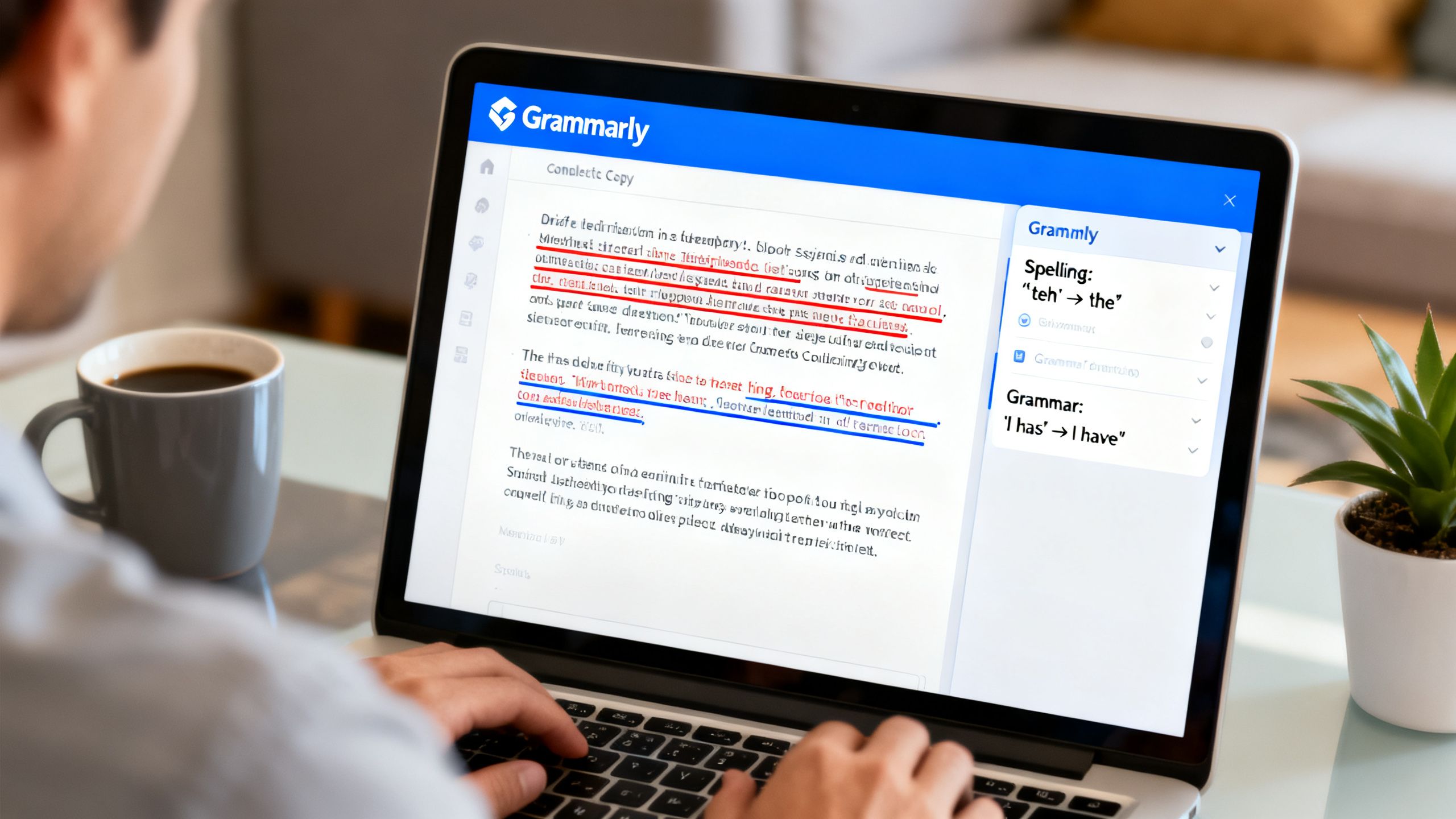
Whether it’s a client proposal, LinkedIn post, or email, Grammarly keeps my writing sharp and typo-free. It saves embarrassing feedback loops and ensures everything is on-brand. At $15/month, it pays for itself after one “wow, that sounded professional!” reply. For solopreneurs, Grammarly is the highest-ROI writing tool you can get.
5. Ubersuggest
SEO is make-or-break for remote businesses. Instead of splurging on Ahrefs or SEMrush, I use Ubersuggest for keyword research, site audits, and basic backlink analysis. It’s affordable at $29/month (lifetime deals come up too) and covers all the essentials without the bloat.
6. Wise (formerly TransferWise)
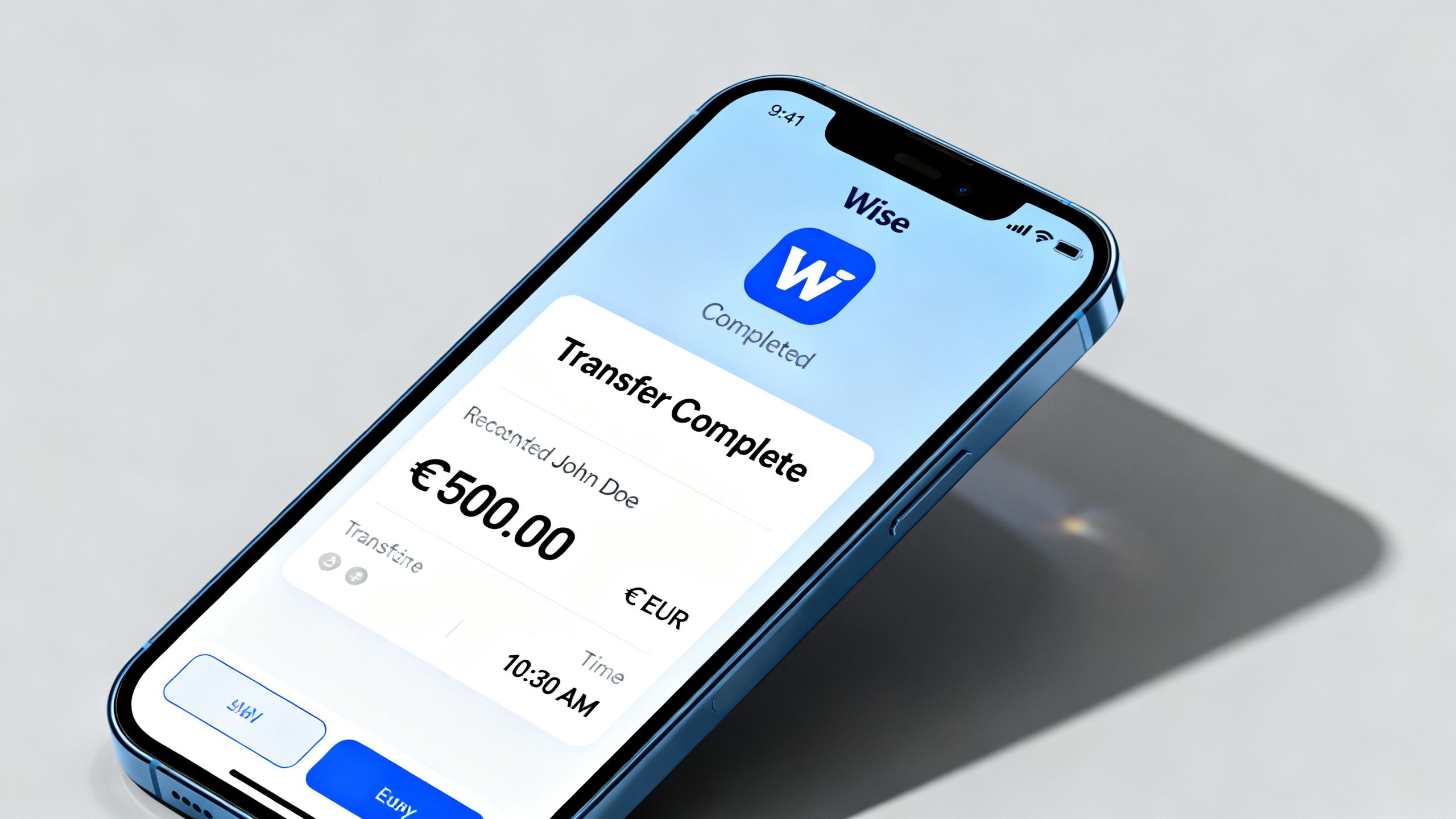
Invoicing international clients? Wise makes global payments a breeze. Lower fees and faster transfers than PayPal or banks. Even as a solopreneur, keeping your money moving quickly is non-negotiable. Their pricing is pay-as-you-go, based on transfer amount — and trust me, it’s usually the cheapest option on the table.
7. Later (for Social Media Scheduling)
Posting on the go? Later automates my Instagram, TikTok, and LinkedIn posts — complete with a drag-and-drop calendar and built-in Canva integration. Smart Scheduling AI is gold for hitting optimal posting times across time zones. The $25/month plan is more than enough for a solo business.
Bonus: Perplexity AI
For research and fact-checking, Perplexity AI is indispensable. Every answer comes with linked sources — ideal for producing accurate, citable work wherever you’re working from.
You can find my detailed reviews of these core tools here.

What I Cut and Why
I didn’t start with this stack. In fact, my early experiments meant paying for at least three project management tools at once (Asana, Trello, monday.com) before realizing I only needed Notion. Same story for video conferencing; I clung to Zoom, Webex, and Google Meet, but only one got used weekly (Meet wins for simplicity and zero-install frustration).
I also dumped expensive specialist SEO suites like Moz. The insights were marginal — and didn’t justify $100+/month when Ubersuggest covered 90% of practical needs for a fraction of the price.
The biggest trap? Buying into marketing for all-in-one platforms promising to “replace 10+ apps." In reality, I spent more time customizing them than working. Now, each tool in my stack is irreplaceable and easy to swap out if something better comes along.

Check out my full archive of tool reviews and why I ditched certain platforms for more honest breakdowns.
How to Build Your Own Stack on Any Budget
After years of trial (and far too much error), here’s how I’d build a lean, location-ready stack whether you’re starting for free or scaling up:
Free Tier
- Gmail & Google Drive: Core email and storage.
- Slack (Free Plan): Fast, unlimited group chats.
- Notion (Personal Plan): Organize everything — zero cost for basic use.
- Canva Free: Edit graphics and social posts with no fuss.
Under $50/Month
- Ubersuggest: Affordable, robust SEO suite.
- Grammarly Premium: Never embarrass yourself in writing again.
- Later Starter Plan: Schedule content for one or two social channels.
- Wise: Only pay per transfer, no monthly fee.
Under $200/Month
- Google Workspace (Pro Plan): More storage, custom domains, admin controls.
- Slack Paid: Unlimited archives and integrations.
- Notion Team Plan: Real team workflows and permissions.
- Full Later Suite: Advanced analytics, more integrations.
- Perplexity AI Pro: Deep dive research for content creation.
If you want curated, in-depth buying guides for every category, browse my solopreneur buying guides — they’ll save hours of hunting.
The One Mistake Most Solopreneurs Make With Their Tech Stack
Most solopreneurs — myself included at one point — fall into the trap of over-tooling. It’s alarmingly easy to sign up for two, three, or even five apps that all claim to do the same thing, burn cash on overlapping subscriptions, and end up using none well.
The fix? Audit your stack every few months. Open your credit card statement and cross-check every recurring charge. If you can’t say, in one sentence, what a tool does for your business, cut it — or at least downgrade. Focus on tools to run a location free business that genuinely add value, automate heavy lifting, and let you pivot quickly as you (and your clients) change.
Honest software reviews from my real-world experience can help you avoid the same mistakes.
Final Thoughts
Running a location-free business isn’t about chasing shiny SaaS trends — it’s about building a stack that fits your exact needs, travels with you, and saves you money and stress. Choose tools on purpose, watch for overlap, and audit often. For deeper dives on every platform I use (and the ones I ditched), check out Chris Gulli’s Tools — honest reviews, zero fluff.